¶ Overview
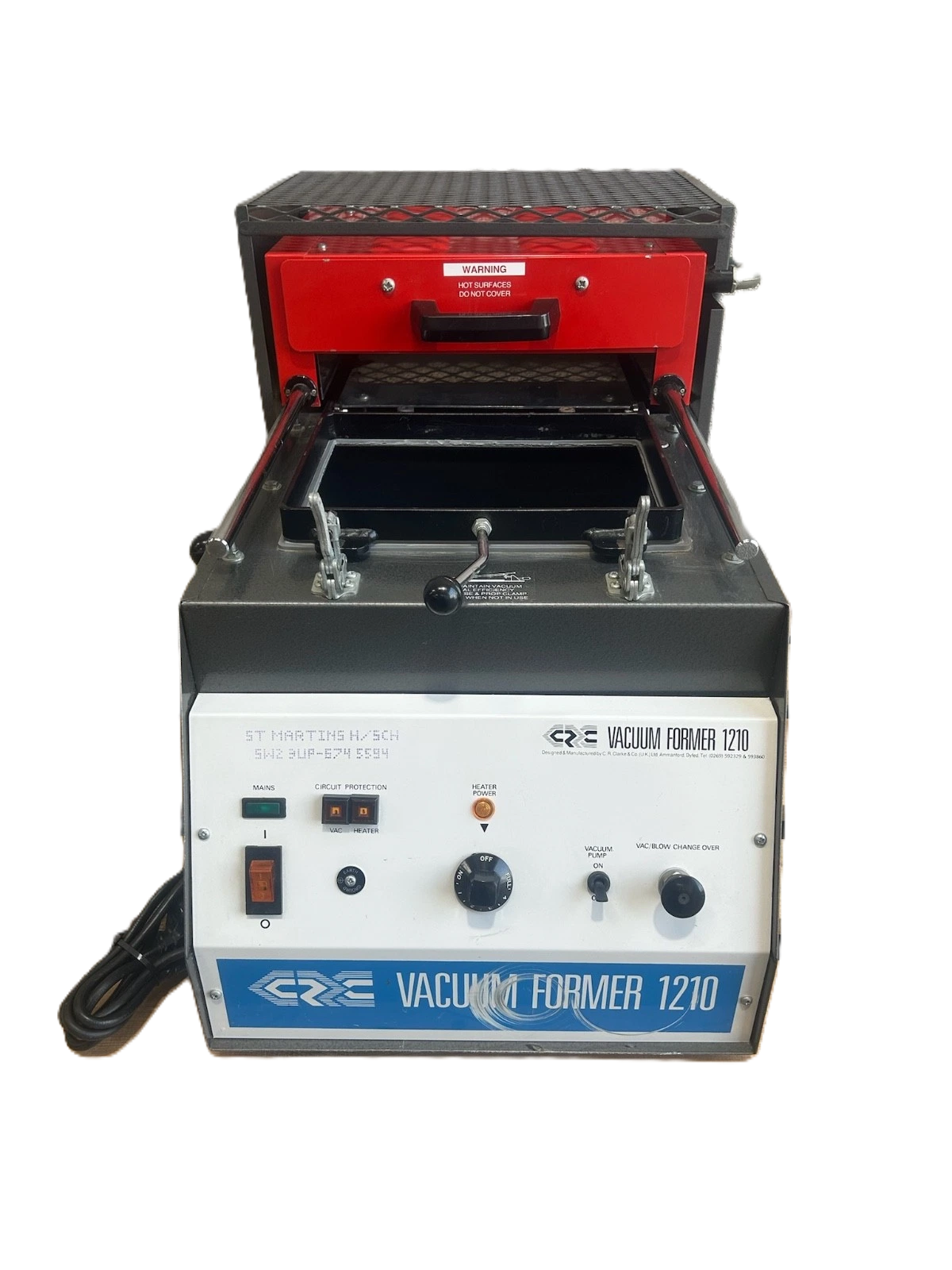
The CR Clarke 1210 will produce professional, quality and high-definition vacuum formings on a small scale as required by model makers, development engineers and students quickly, efficiently and consistently. The machine includes a single zone ceramic heater system, high flow vacuum pump, silicone upper seal and easily replaceable platen seal. A mechanical interlock prevents taller moulds from damaging the heater system.
| Status | Access | Location | Maintainers |
|---|---|---|---|
| Operational | TBC Induction Required |
Garage | Trustees and authorised members |
Risk Assessment
TBC
The Safety Induction
TBC
¶ Documentation
Operating and Maintenance Instructions
¶ Safety
- The Heater Hood can become hot during use, as indicated by:

- Always wear protective gloves when operating the machine.
- This equipment is designed for the vacuum forming of thermplastic sheet material of 6 mm or less thickness. It should not be used for heating any other materials or for any other process.
- Do not cover or place items on the Heater Hood and canopy while the machine is in operation or cooling down as this might impair ventilation and could lead to items becoming burnt or melting.
- Do not leave the machine unattended while it is in use.
¶ Accessories
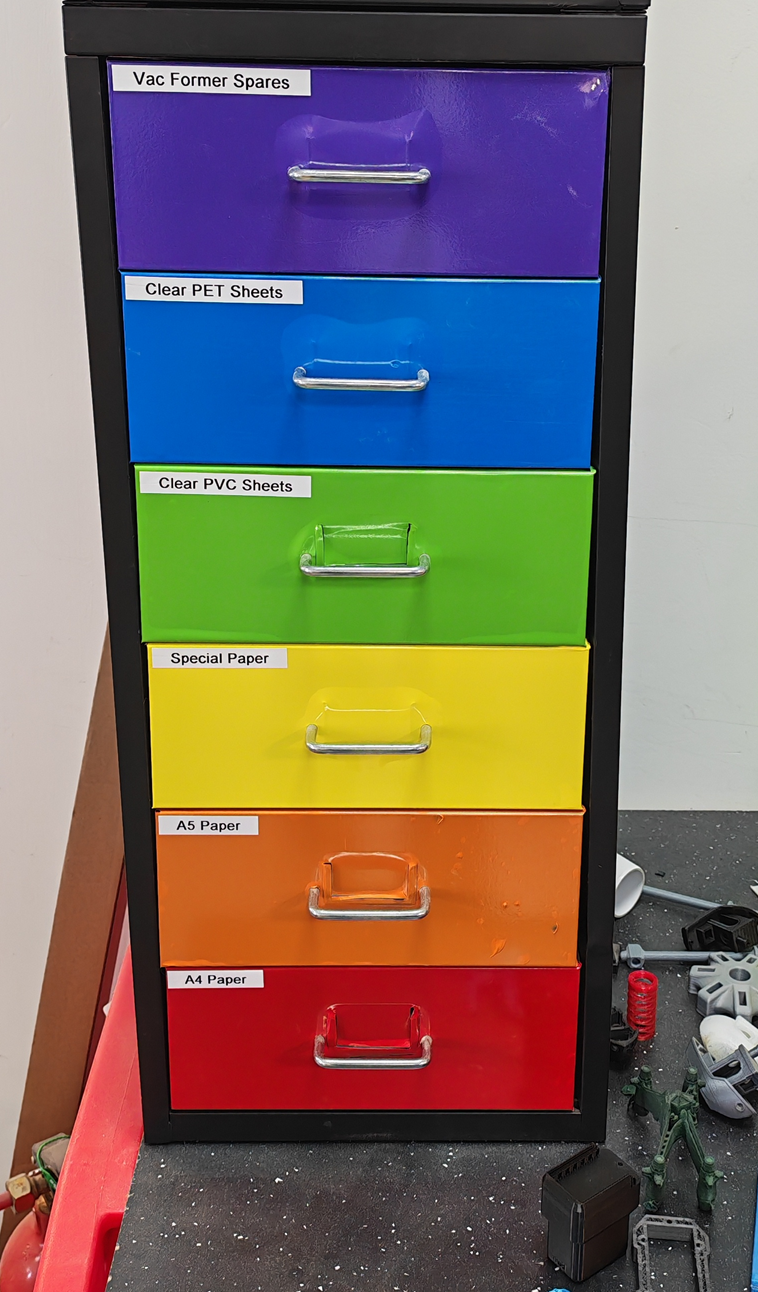
No accessories are available but there are some spares and consumables in the rainbow drawer unit next to the 3d printers.
¶ Materials
| Parameter | Value |
|---|---|
| Sheet Size | 305 x 228mm |
| Maximum Material Thickness | 6mm |
| Maximum Mould Height | 100mm |
¶ Software
No software is required.
¶ Operation Guide
This information is taken from the operating and maintenance instructions documentation but does not replace that document.
Always read the manual
Plug the machine into a suitable supply, switch on at the socket and the green MainsIndicator will illuminate.
Switch on the No Volt Release Mains Switch. The switch is illuminated orange when in the ‘On’ position.
Set the Energy Regulator to full, the Heat Output Indicator will illuminate, showing there is power to the heaters, and they are warming up. This setting will be suitable for vacuum forming most thermoplastics but, in some cases such as thick materials or foams, one of the lower settings may be needed.
Set the Energy Regulator to off with power to the machine and switch on the vacuum pump, you will be able to hear it running.
Operate the vac/blow plunger knob and observe the different note caused by the air flowing in different directions through the platen. Turn the vacuum pump off.
Slide the heater hood fully forward to the stop and return to the idling (fully back) position, to make sure there are no obstructions to the slide track.
Pull the Platen Elevating Handle down, towards the front of the machine until it clicks into the over-centre locked position.
In this position the platen will be locked in the raised position to form an air-tight seal on the under side of the clamp frame seal.
Release the handle by pulling it upward - keep your hand on the handle and take care not to let it drop once it has gone back over centre (all the weight of the platen and mould is on the handle at this point).
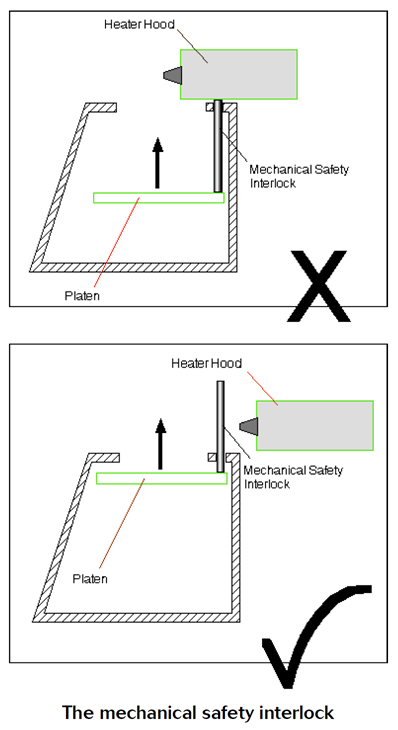
A mechanical safety interlock is fitted to prevent the platen being raised and damaging the heaters when the Heater Hood is in the heating position. If raising the platen meets with any resistance DO NOT FORCE IT.
Check that the Heater Hood is in the idling position first and then check for other obstructions.
¶ Usage Video
Here's a video showing the vacuum press in use.
¶ Design Guides
Adam Savage's guide to vacuum forming
Vacuum Forming Design Guide (Toolcraft Plastics)
A Complete Guide to Vacuum Forming (Ansini)
How to design for thermoforming (Mayku)
¶ Material Selection Help
¶ Maintenance
Trustees and authorised members only